
Which app you need
On Windows 10 or 11, VanyaVPS installs with a regular installer. Windows 7 and 8 aren’t supported. Edge also runs on Macs and phones, where VanyaVPS for Mac or for iPhone and Android covers it.
No restart needed after connecting. Reload the tabs that were already open, and from then on they use the VPS.
Secure DNS
Before opening a site, the browser looks up its IP address on a DNS server. Windows normally handles that, but Edge has its own Use secure DNS switch under Privacy, search, and services. With it on, Edge looks addresses up over HTTPS and can ask its own provider instead of the system’s.
With VanyaVPS that isn’t a leak. The app gives Windows Cloudflare and Quad9 as DNS servers, reached inside the tunnel, and blocks ordinary DNS queries that try to go around it. Secure DNS lookups use the very tunnel the pages do, so the switch can stay where it is.
A quick leak test
-
Connect
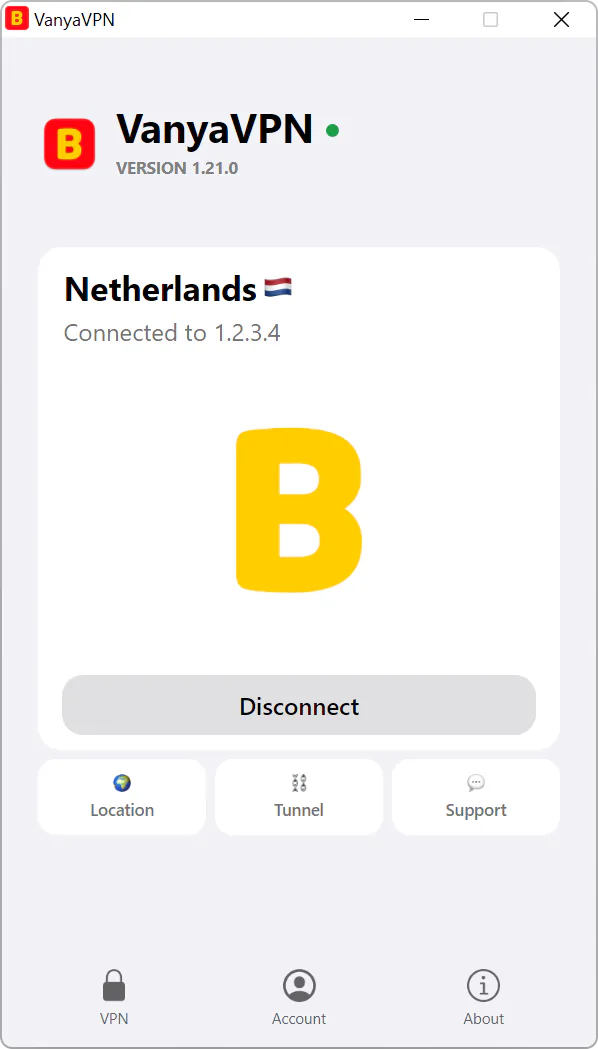
Hit Connect in the app and wait until the button says Disconnect.
-
Check the address
Visit ipinfo.io in Edge. It should show the server’s country, not your own city.
-
Check DNS
On dnsleaktest.com, press Standard test. The list should show Cloudflare and Quad9 servers (on a Mac, sometimes OpenDNS too) or the provider you picked in Edge, but never your internet provider.
Video in Edge
Edge loads YouTube through VanyaVPS like everything else. If YouTube was crawling in Russia before, this article explains why, and VPS for YouTube on PC helps when a computer still stutters.
Bing and older Windows
Why does Bing show another country?
Microsoft’s services take your country from the IP address, which with VanyaVPS connected belongs to the server. Bing’s region and language can be changed in its settings, and the VPS can stay on.
Will it run on Windows 7?
No. The app needs Windows 10 version 1607 or later, or Windows 11. What to do with an older PC, from using your phone to setting up the router, is in our Windows 7 article.